
Shopping for restaurant software can turn into a headache: some vendors sell you a cash register, others an ordering app, others a platform packed with twenty features you'll never touch. And the real question is still hanging there: which one actually works for my business?
In this guide we explain, without the jargon, how to choose a system or software for your restaurant in 2026: which features truly matter, how to compare your options, and a checklist so nobody sells you smoke and mirrors. And if you'd rather have a ready-made solution at the end, with Rankea you can use the restaurant system from Rankea and get started without the hassle.
What is restaurant software (and what it isn't)?
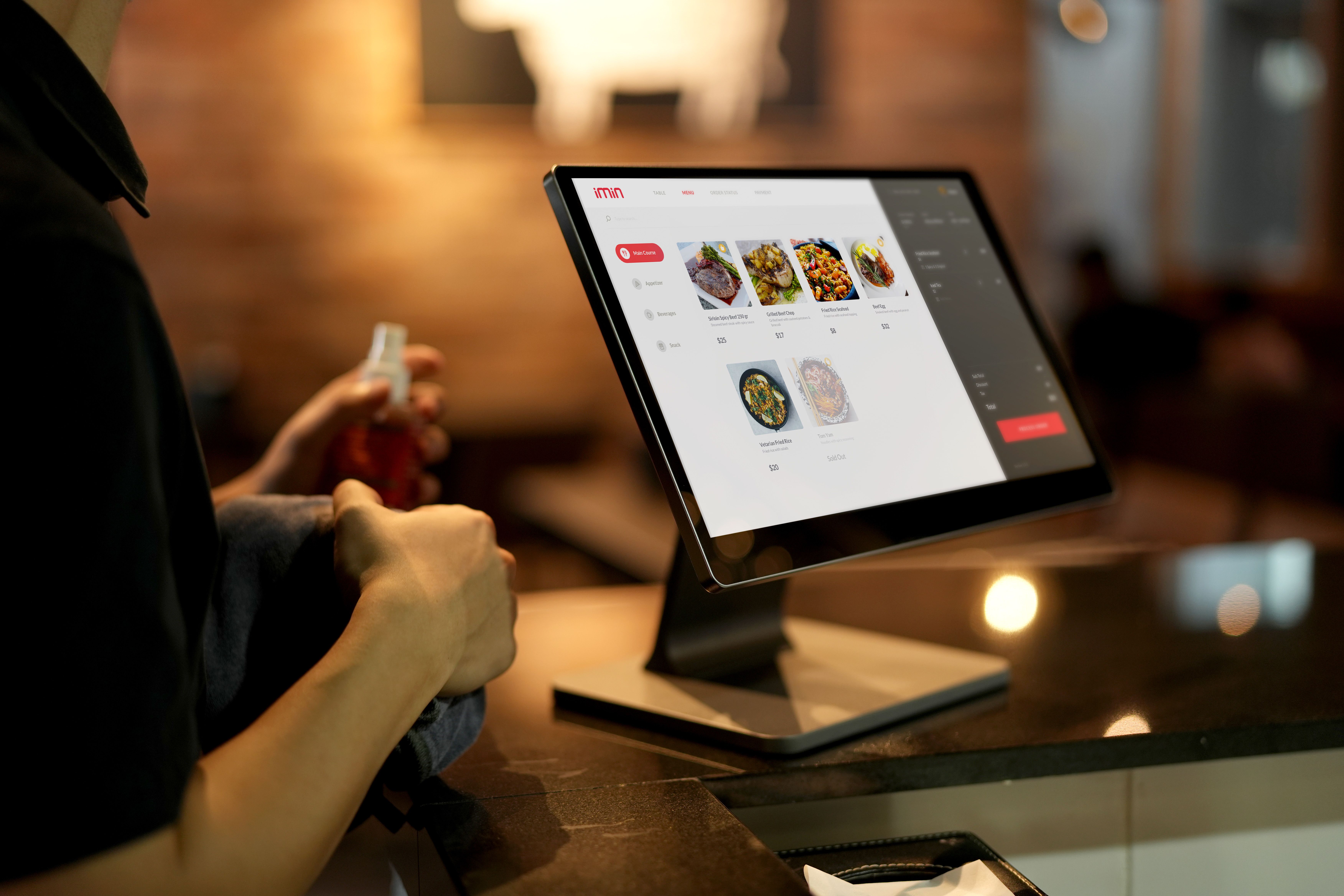
Restaurant software is the set of tools you use to run your food business every day: from the moment a customer sees the menu to when you close out the check and review how much you sold. It isn't one single thing; it's the control panel for your entire operation.
This is where a lot of people get confused. The point of sale (POS) — that screen where you ring people up — is one part of the system, not the whole thing. A complete system usually also includes:
- A digital menu so customers can order from their own phones.
- Order management, whether at the table, for pickup, or for delivery.
- Kitchen communication (tickets that go straight to the line).
- Table management and, sometimes, reservations.
- Sales reports so you know what's selling and what isn't.
In short: the POS rings people up, while the system runs the whole restaurant. Getting this straight saves you from overbuying or coming up short.
Which features restaurant software should have
Not every business needs the same thing. A taco stand doesn't run like a white-tablecloth restaurant. Even so, there are features almost any serious system should offer. These are the ones worth checking:
1. A digital menu that's easy to update
The heart of everything. You should be able to change prices, mark a dish as sold out, or launch a promotion yourself, in seconds, without depending on anyone. If changing a price means calling support, run the other way. To get a feel for the result, you can browse QR menu templates.
2. Frictionless order-taking
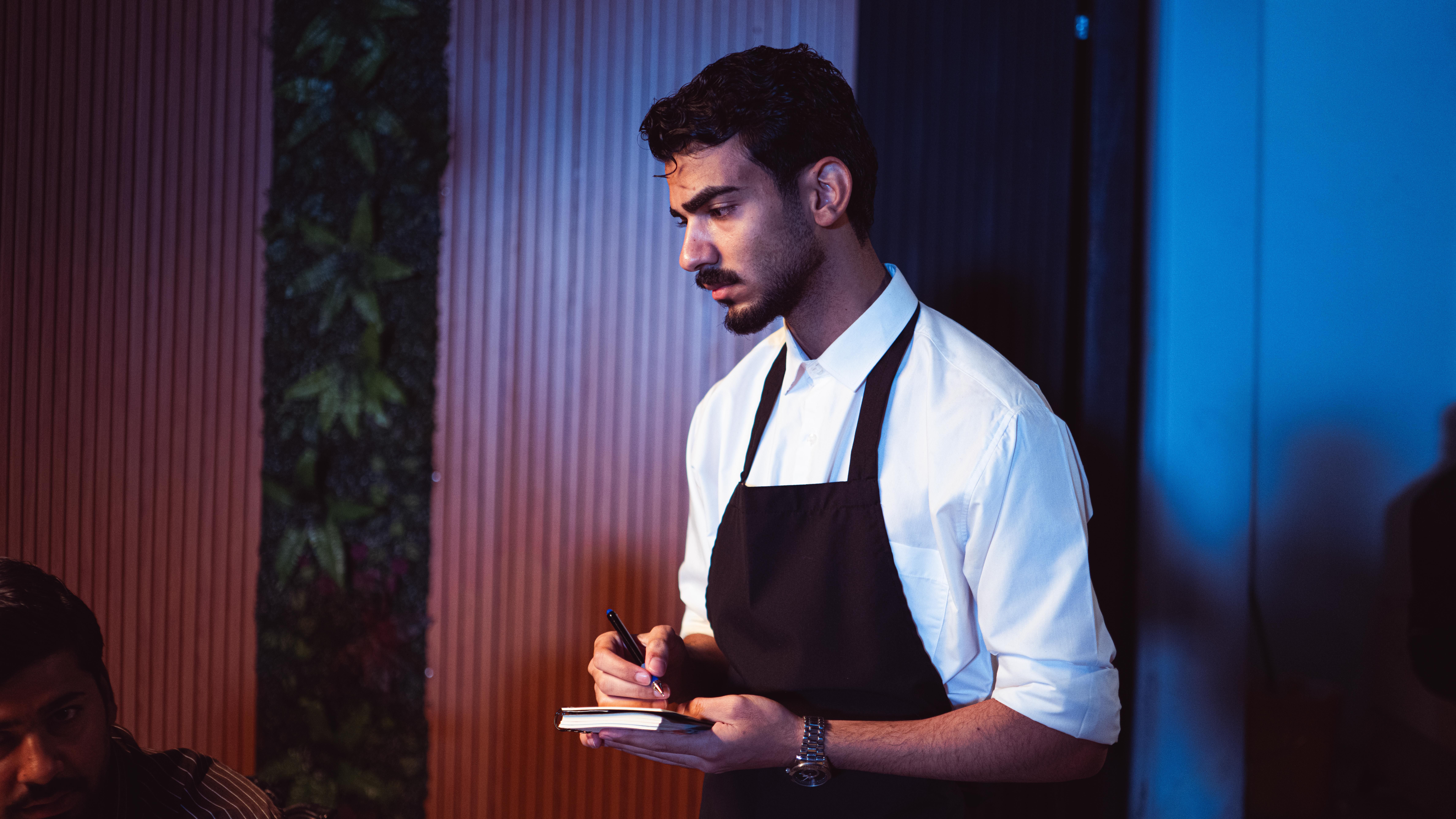
Let customers order right from their table by QR, or have your server take the order on a tablet and send it straight to the kitchen. Fewer back-and-forth trips, fewer mistakes, more tables served.
3. Payments and payment methods
The system should charge clearly and accept the payment methods your customers actually use: cash, card, and transfers. Keep an eye on per-transaction fees, which add up by the end of the month.
4. Reports you can actually understand
A dashboard with a hundred charts is useless if it doesn't tell you the basics: how much you sold today, which dish moves the most, and when you get the most traffic. Good reports help you decide, not spin your head.
5. Easy for your staff to use
A powerful system nobody knows how to use is money down the drain. Think about your weekend server or whoever covers a vacation shift: if they can't get it in ten minutes, it'll slow you down instead of helping.
6. Room to grow with you
Today you have one location; maybe tomorrow you'll have two. Choose something that lets you add locations, users, or features without starting from scratch. Switching systems halfway is expensive and draining.
Key takeaways before you decide
If you take just five ideas from this guide, make them these:
- A system is more than a POS: it includes the menu, orders, and operations, not just checkout.
- Prioritize your bottleneck: choose based on the problem that hurts most, not the longest feature list.
- Check the hidden costs: per-order commissions, terminals, support, and updates billed separately.
- Make sure your staff will use it, not just you: if it's hard, they won't use it well.
- Make sure you can export your data: your menu, customers, and sales should be yours if you ever migrate.
How to compare options without the overwhelm
With so many providers out there, the key isn't finding who has the most features, but which one solves your problem. Follow this order:
- Define your bottleneck. Are you losing sales to an outdated menu? Do delivery orders keep jamming up? Do you not know what's selling? Start there.
- Make a short must-have list. Three or four features you absolutely need. Everything else is "nice to have."
- Ask for a demo or a trial. Put your own dishes and prices into it. What looks easy in the video isn't always easy in practice.
- Add up the real cost. Monthly fee plus commissions, terminals, support, and training. Compare apples to apples.
- Check the support. Do they answer during your restaurant's hours? A Friday night with the system down is no time to wait on a reply.
Common mistakes when choosing (and how to avoid them)
- Buying on price alone. Cheap that goes unused ends up expensive. Look at the value, not just the sticker.
- Paying for features you don't need. If you're a five-table café, you don't need the 500-person banquet module.
- Ignoring per-order commissions. A 10% cut per sale looks small until you multiply it across every order for the month.
- Not testing before you buy. Always insist on a real trial with your own operation.
Where to start without overspending
You don't have to sign up for the most complete system on day one. The smartest move is to start with whatever is already costing you sales — almost always, the menu — and grow from there.
A great first step is setting up your digital menu with QR: you try it for 14 days, it modernizes your business, and it lets you update prices instantly. You can create your QR menu today and, when you're ready to move up to orders, kitchen, and reports, step up to the restaurant system from Rankea without starting over.
Keep reading
Frequently asked questions about restaurant software
What's the difference between a point of sale and a restaurant system?
The point of sale (POS) is just one part: it rings up and records sales. A restaurant system is broader: on top of taking payments, it manages your digital menu, orders, kitchen, tables, and sometimes reservations or reports. The POS fits inside the system, not the other way around.
Do I need a system if I have a small business or I'm just starting out?
Yes, and it actually pays to start organized. You don't need the most expensive system: to begin, a digital menu and a way to take orders is enough. What matters is picking a tool that grows with you so you don't have to migrate everything in six months.
How much does restaurant software cost?
It varies a lot: there are entry-level tools with no monthly fee (like a QR menu) and paid plans ranging from lower monthly fees to much higher ones, depending on the features. Watch out for hidden costs: per-order commissions, terminals, support, or updates billed separately.
Does the system work without internet?
It depends on the provider. Some systems store the operation locally and sync when the connection comes back; others need internet at all times. If your area has frequent outages, ask before signing up: it's one of the most common sources of headaches.
Can I switch systems later without losing my information?
Yes, but it's worth checking from the start. Ask whether you can export your menu, your customers, and your sales. A good system doesn't hold you hostage: it lets you take your data with you if you ever decide to migrate.
Ready to take the first step? Start with what's quickest to set up: create your QR menu with Rankea and, when you need it, scale up to the full system to manage orders, kitchen, and sales all in one place.


