
What Is a QR Menu and How It Works in a Restaurant
More and more tables now have a small square code on a coaster or a sticker fixed to the surface. The customer points their phone camera at it, taps a notification and the full menu appears on screen. That's a QR menu, and today it's one of the simplest ways to show your menu without paying for reprints every time you change a price. In this guide we explain, with no jargon, exactly what it is, how it works from start to finish and what you need to have your own.
What is a QR menu?
A QR menu is your menu published on a web page that the customer reaches by scanning a QR code. The code doesn't store the menu inside it: it's simply a link in the form of an image. When the phone's camera reads it, it opens that page in the browser and shows your dishes, prices, photos and descriptions, updated in real time.
The difference from a printed menu is that the content lives online, not on paper. If the price of avocado goes up tomorrow and you want to adjust the guacamole, you edit the number in your dashboard and every customer who scans from that second on sees the new price. The code printed on the table doesn't change: it always points to the same address, and that address shows the most recent version of your menu.
If you'd first like to understand the broader concept, take a look at what a digital menu is. The QR menu is the most common way to deliver that digital menu at the table.
How it works step by step (what the customer sees)
From the diner's side, the process is so short it's almost unnoticeable:
- They sit down and see the code. The QR is on the table, on a stand, on the placemat or even at the entrance to the venue.
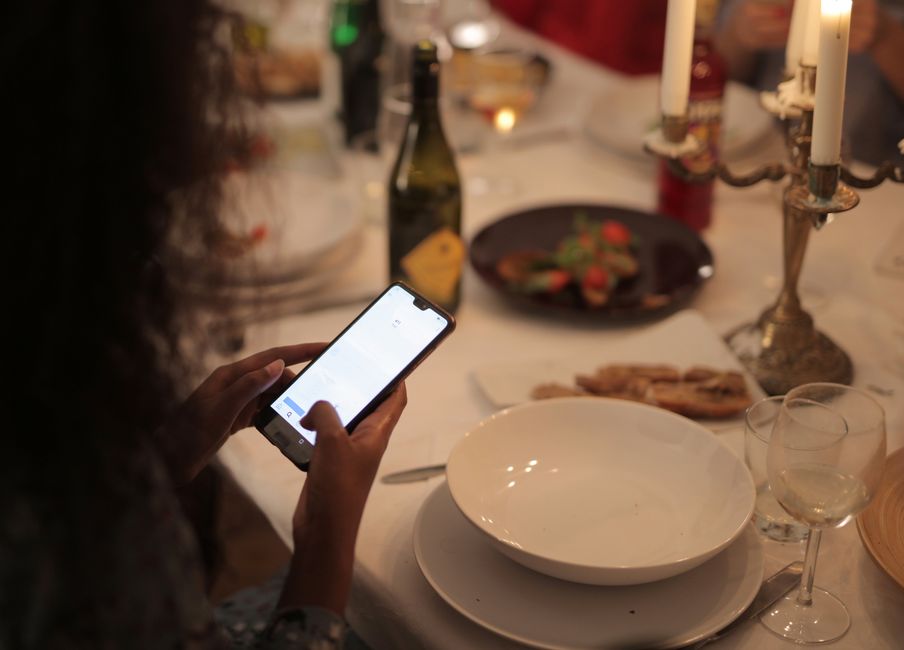
- They open the phone camera and point it at the code. On almost every modern phone no app is needed: the camera recognizes the QR on its own.
- They tap the notification that appears on screen and the page with your menu opens.
- They browse the menu by category, see photos and prices, and decide what to order.
All of this happens in the phone's browser. The customer doesn't download anything, doesn't create an account and doesn't use up space on their phone. That's why the QR menu cut so much friction compared with the restaurant apps of a few years ago.
What happens on the restaurant's side
For you, the QR menu is a dashboard where you manage your menu. There you create categories (starters, mains, drinks, desserts), add dishes with a photo and description, and set the price. When you save a change, it's reflected immediately on the page your customers open.
That solves very concrete day-to-day pains:
- Change prices without reprinting. You adjust the number in seconds, without sending the menu to the printer or crossing it out with a pen.
- Mark what's sold out. If the fish of the day runs out, you hide it and spare yourself the awkwardness of a customer ordering something you don't have.
- Upload photos that sell. A good dish with a photo gets ordered more than a line of text.
- Have a menu of the day. You can publish a section you change every morning for the set lunch.
A QR per table vs. a single QR for the whole venue
There are two ways to use the code, and they're not mutually exclusive:
A general QR: the same code on every table and at the entrance. It lets anyone view the menu. It's the most basic use and the one most people start with.
A QR per table: each table has its own code. This opens the door to more than just viewing the menu: the system knows which table the menu is being viewed from, which lets the customer place their order and have it reach the kitchen already identified. If you're interested in that flow, read how to order from the table with a QR code.
Does the QR menu only show the menu or also take orders?
It depends on how you set it up. In its simplest version, the QR menu is informational: the customer looks, decides and calls the waiter. But a QR menu connected to a system can go further and let the customer order from their phone, with the order arriving straight at a kitchen dashboard, without going through third-party app commissions.
At Rankea, showing your QR menu, using its templates, editing prices without limits and building your menu with AI is part of the plan from day one. So are the operational features —direct orders to the kitchen with 0% commission, table ordering, kitchen dashboard and reservations— with no usage cap, for $699 MXN/month, no contract. The first 14 days are a trial, so you decide with your real operation before the first charge.
How to get your QR menu (without being a tech expert)
You don't need to buy equipment or hire a technician. The typical process is:
- You create your account and choose one of the menu templates based on your type of business.
- You load your dishes. If you already have your menu as a PDF or a photo, the AI can read it and build the menu for you; we explain it in how to make your menu with AI from a PDF or photo.
- You download your QR code in high resolution and print it for the tables, or share the link over WhatsApp and social media.
All of this takes just a few minutes. You can see the available templates in the QR menu catalog or start straight away with your QR menu: the first 14 days are free.
Key facts about the QR menu
- No app required: it opens in the browser on the customer's phone.
- Updates instantly: you change the price and everyone sees it when they scan.
- The code doesn't expire: it always points to the most recent version of your menu.
- No hardware: you don't need a terminal, a special printer or any installation.
- It scales with you: it can be just the menu or include orders and kitchen when you need it.
Frequently asked questions
Does the customer need to download an app to see the QR menu?
No. On most phones today you just open the camera and point it at the code; the menu opens in the browser. There's nothing to install and no account to create.
What happens if I change a price after printing the code?
You don't have to reprint anything. The QR code is just a link: it always leads to the same page, and that page shows the most recent version of your menu. You edit the price in your dashboard and the change is visible instantly.
Does it work without internet at the table?
The customer needs a connection (their mobile data or the venue's wifi) to open the menu, because the menu lives on a web page. That's why it's worth having a good signal or customer wifi at the establishment.
Is a QR menu for taking orders or just for viewing the menu?
Both are possible. In its basic form it only shows the menu. Connected to a system, it lets the customer order from their phone and have the order reach the kitchen directly, depending on how you set it up.
How much does it cost to have a QR menu?
Showing your QR menu, using the templates and editing prices without limits is part of the plan at Rankea, and so are orders to the kitchen and reservations, with no cap. It's $699 MXN/month, no contract, with a 14-day trial first.


