
Is your menu already on a QR code, but orders still come in through the waiter? Here we explain how table-side self-ordering works end to end and what you need to turn it on in your restaurant.
What is QR self-ordering, and why is it everywhere?
You have probably seen it: you sit down at a restaurant, scan the QR code on the table, and in seconds the full menu is on your phone. But QR self-ordering goes a step beyond the digital menu: the guest picks dishes, confirms the order, and sends it straight to the kitchen, without a single waiter in the loop.
This technology is no longer reserved for international chains. Today any restaurant—from a small diner to a seafood spot—can turn it on without buying hardware and without paying commissions to delivery platforms. If you are not yet clear on the difference between a digital menu and a printed one, take a look at our QR menu page to understand the context.
Step by step: how self-ordering works for the guest
The whole flow takes less than two minutes and does not require the guest to download any app:
Step 1 — Scan the QR code at their table
Each table has its own QR code. The guest points their phone camera at it, and the menu opens directly in the browser. No app, no mandatory sign-up. The system automatically identifies which table the order is coming from.
Step 2 — Browse the menu and add to the cart
The QR menu shows photos, descriptions, prices, and categories. The guest adds what they want, can adjust quantities, and leave special notes (no onions, well done, no spice, and so on).
Step 3 — Confirm the order
With one tap on "Confirm," the order goes out instantly. No waiter writing it down by hand, no tickets getting lost on the way to the kitchen.
Step 4 — The order lands on the kitchen panel in real time
The kitchen team sees the order on screen: table number, dishes requested, and time elapsed since it was placed. They can mark each dish as in progress or ready. No middlemen, no mix-ups.
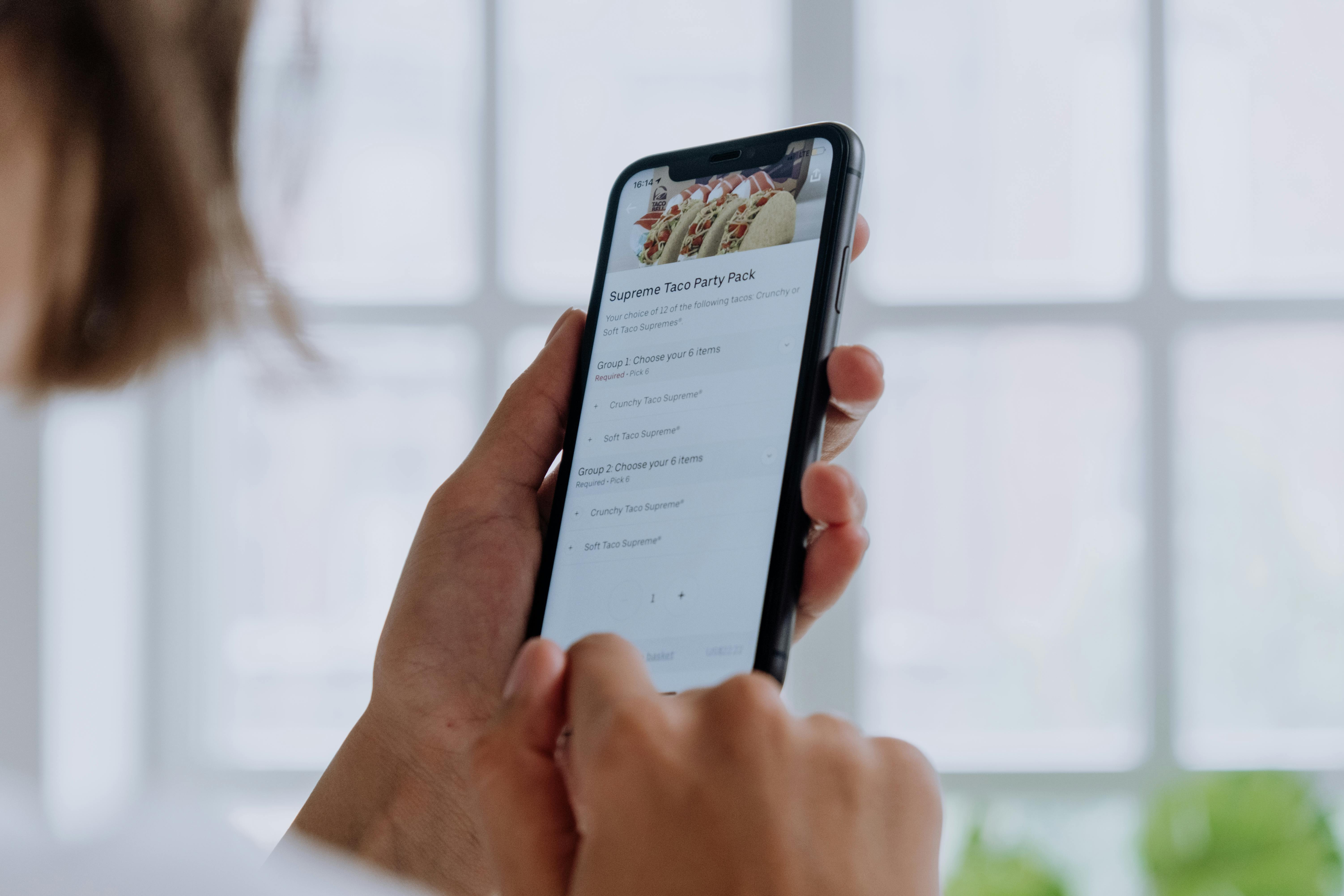
At Rankea this is called Digital Waiter: every table has its own numbered QR and the order reaches the kitchen exactly as the guest wrote it.
Real advantages for the restaurant
- Fewer order errors: what the guest types is exactly what reaches the kitchen—no game of telephone.
- Waiters freed up: your staff can focus on running food and giving service instead of taking orders.
- 0% commission: orders go straight to your kitchen, with no DoorDash, no Uber Eats, no percentage eating into your margin.
- Instant updates: if a dish sells out, you disable it in seconds and it no longer shows as available at any table.
- Faster table turnover: the service cycle gets shorter when the order does not have to wait for a free waiter.
How much does it cost to turn on self-ordering at your restaurant?
It is worth being clear here, because there is a lot of confusion in the market:
- Included in the plan, no cap: a professional digital/QR menu, 18 templates, unlimited editing of prices and items, AI that builds your menu from a PDF or photo, and analytics.
- Included in the plan, with no usage cap: direct table-side orders, the kitchen/order panel, in-table ordering, and reservations.
- The plan ($699 MXN/month, no contract): the four items above with no limit, plus advanced analytics, priority support, and additional locations.
In other words: you try self-ordering for two full weeks, with no cap on orders, and decide before paying: the trial needs no card. If you're weighing the cost, here's how restaurant software with no monthly fee works.
You do not need special tablets, receipt printers, or any extra hardware. The kitchen panel runs on any internet-connected screen—even the cook's phone.
What kind of restaurant does it work best for?
QR self-ordering delivers the best results when:
- You have fixed tables (it is less useful for standing bars or quick counter service without seating).
- Your menu changes often: prices, availability, daily specials.
- You have demand peaks where one waiter cannot serve every table at the same time.
- You want to reduce your reliance on delivery apps and their commissions, or complement your dine-in orders.
Diners, seafood restaurants, bars, cafes, and fast-food kitchens with fixed tables are the most common cases. If you have not set up your restaurant system yet, the first step is to create your QR menu—and then turn on ordering.
You can also browse the QR menu template catalog to see which one fits your type of restaurant best before you start.
Key facts about QR self-ordering
- ✅ No app for the guest: the menu and order both open in the phone's browser.
- ✅ A unique QR per table: the system automatically identifies which table each order comes from.
- ✅ Real-time kitchen panel: statuses new → in progress → ready, with a timer per dish.
- ✅ 0% commission to third-party platforms: the order is yours, the margin is yours.
- ✅ Real-time updates: remove a sold-out dish and it disappears from every table instantly.
- ✅ 14 days free, no card needed; after that, $699 MXN/month with unlimited orders and no commission.
- ✅ Setup in 5 minutes with no technician and no extra hardware.
Keep reading
Frequently asked questions about QR self-ordering
Do I need to install an app for customers to order by QR?
No. The guest just scans the QR code with their phone camera. The menu and the order form open in the browser; there is no download and no mandatory sign-up.
Where do the orders go? Do I need a special screen in the kitchen?
Orders arrive on the Rankea kitchen panel, which you can open from any tablet, computer, or phone with internet. No specialized hardware or receipt printer is required.
Does Rankea charge a commission on each order?
No. Direct orders carry 0% commission. Rankea charges a flat monthly fee ($699 MXN/month on the plan) for unlimited orders; it does not take a percentage of each sale.
What happens if a dish sells out? Can the customer still order it?
You can hide or disable any dish from the dashboard in seconds. The change is reflected immediately on the menu at all of your tables, so no one can order something that is sold out.
Can I try self-ordering before subscribing?
Yes. You get 14 days with everything active and no cap on orders. No card is needed: if it works for you, you turn on the plan from your dashboard ($699 MXN/month, no contract); if not, you pay nothing.


