
If you run a restaurant, a taco stand or a coffee shop and you're still handing out paper menus (and wondering whether a QR menu beats a printed one), you've probably already wondered how to create a digital menu without overcomplicating things or spending more than you need to. The good news: today you can do it in minutes, right from your phone and without writing a single line of code.
In this guide we walk you through, step by step, how to build your digital menu, generate its QR code and publish it the same day. If you'd rather jump straight in, you can create your QR menu with Rankea right now (it's free) and follow this guide as you set it up.
What is a digital menu and why does it pay off?
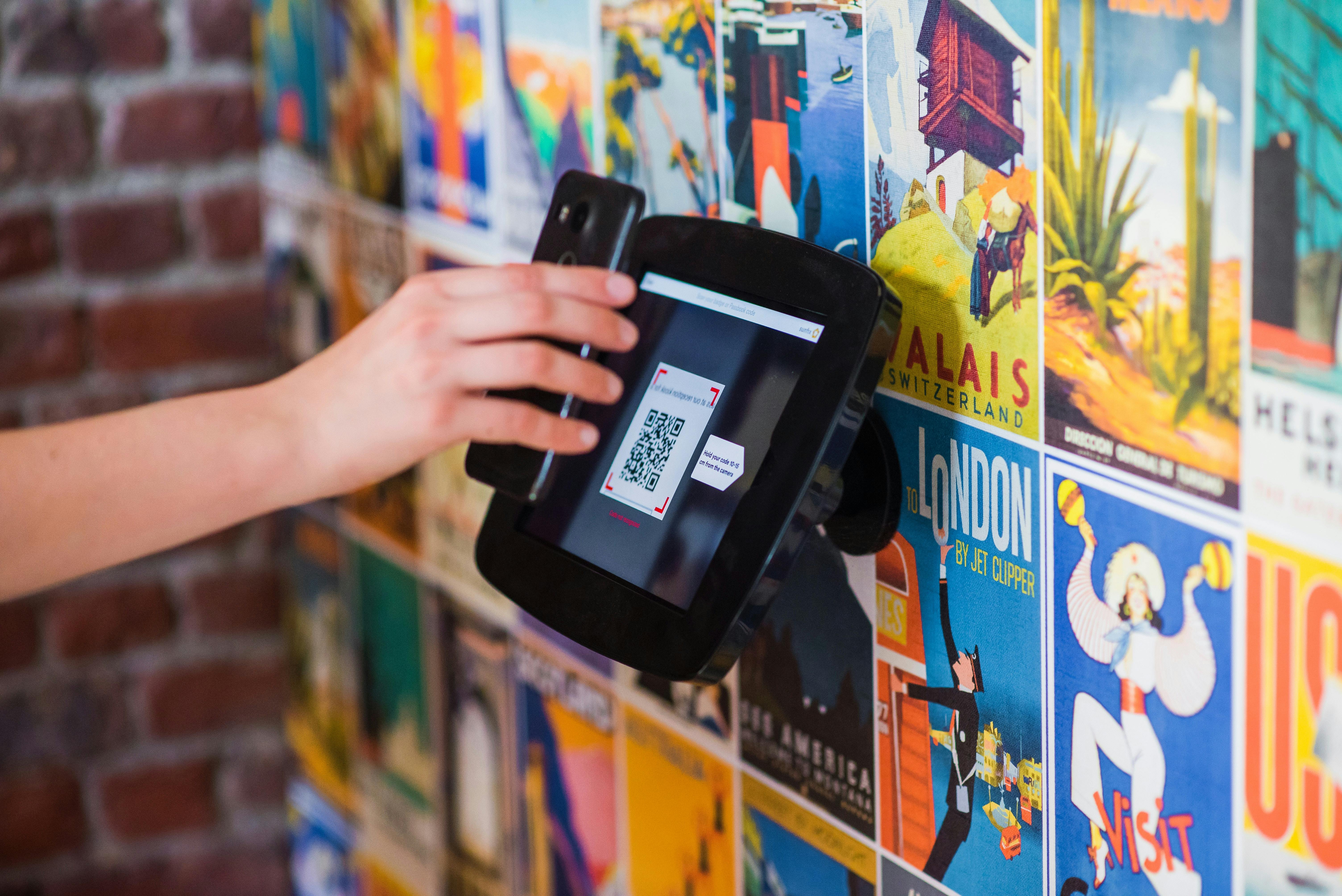
A digital menu is the online version of your restaurant's menu: instead of being printed on paper, it lives online and your customers open it from their phone, usually by scanning a QR code placed on the table. To start out you don't need to invest anything: building your digital menu and generating the QR code shouldn't cost you a thing.
Why go digital? Because paper ages badly: every price change means reprinting, and a stained menu with crossed-out prices says something about your business before the customer tastes anything. A digital menu is fixed in seconds, from your phone, and the same table QR keeps working. You can add advanced features later (online ordering at the table, reports, multiple locations) without reprinting a thing.
What you need before you start
Before you create your digital menu, have the basics ready. It isn't much:
- The list of your dishes organized by categories (starters, mains, drinks, desserts).
- Up-to-date prices for each item.
- Photos of your signature dishes (your phone is enough; good lighting works wonders).
- Short descriptions, optional but very useful to help customers decide faster.
With that ready, the rest is a matter of minutes. If you don't have photos of everything yet, don't let that stop you: start with the ones you have and add more later.
How to create a digital menu, step by step
This is the simplest path to having your menu online and running today.
Step 1: Choose your tool
Look for a platform that lets you build the menu and generate the QR code in minutes. Watch out for the ones that take a commission on every order or charge for every menu update: that's where the money quietly goes. A good option is to start with a tool built for restaurants, where you can create your QR menu in a couple of clicks and try it before paying. If you want some inspiration first, browse a few QR menu examples already set up to see how they look on a phone.
Step 2: Add your categories and dishes
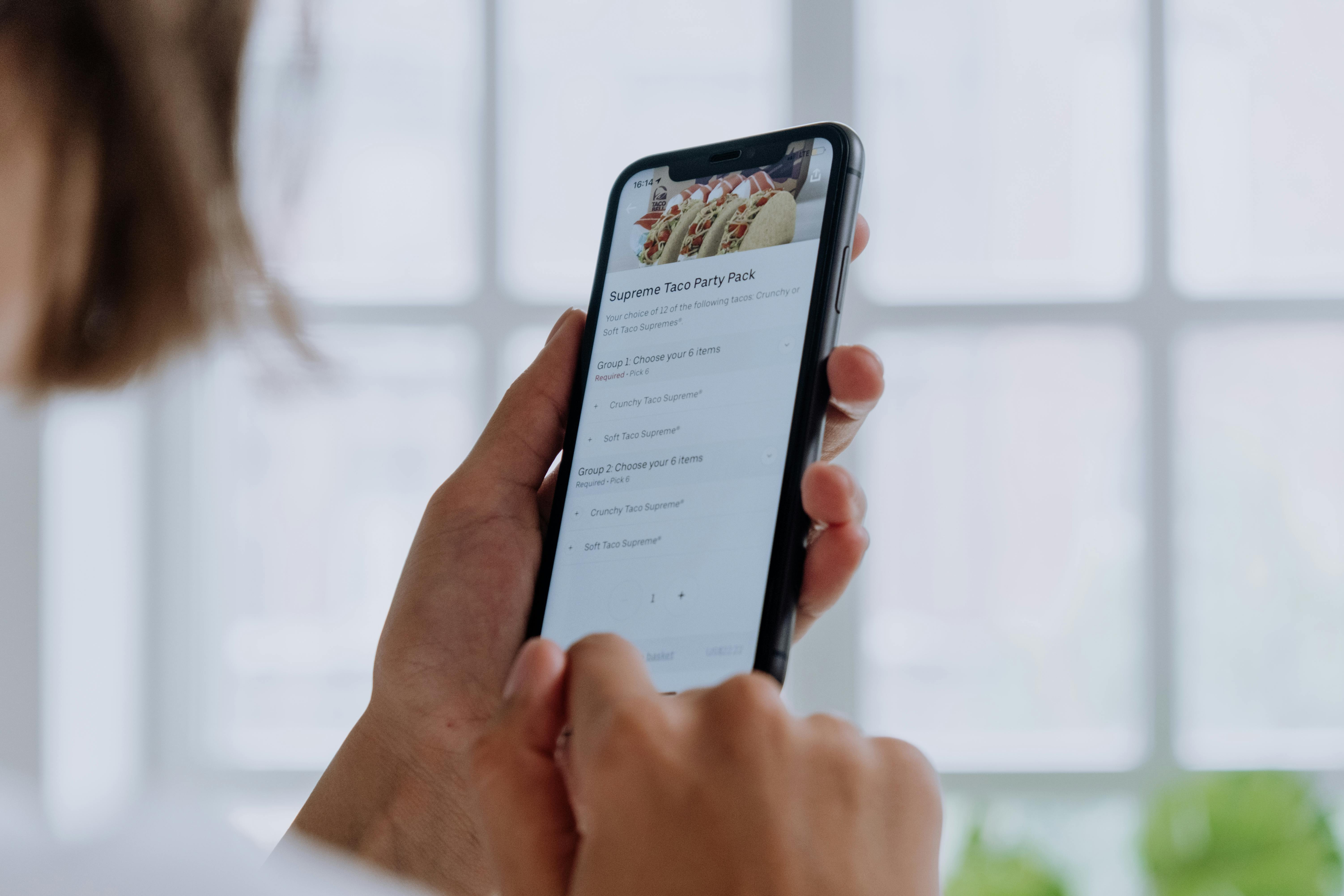
Go into the dashboard and create your categories (for example: "Tacos", "Drinks", "Desserts"). Within each one, add your dishes with their name, price and, if you like, a description and a photo. Work from top to bottom, the way your customer would read the menu.
Step 3: Add photos and labels
Upload photos of your signature dishes and use labels like "spicy", "vegetarian", "gluten-free" or "most ordered". These small details make the menu look professional and help customers choose (and sometimes order a little more).
Step 4: Generate and download your QR code
The same tool generates your QR code automatically. Download it, print it and place it where your customer can see it: on the table, the counter or the entrance. Remember: the QR code doesn't change even when you edit the menu, so you print it once and you're done.
Step 5: Publish and share your menu
Publish your menu and share it outside your venue too: add the link to your Instagram, your Google profile and your WhatsApp. That way your customers see the menu before they arrive, and that brings you orders too.
Key facts / quick checklist
Before you call your digital menu done, run through this checklist:
- ✔ All categories added and in the order you want.
- ✔ Up-to-date prices with no typos.
- ✔ Photos at least on your signature dishes.
- ✔ QR code downloaded and printed for the tables.
- ✔ Link shared on Instagram, Google and WhatsApp.
- ✔ Menu tested from your own phone, the way a customer would see it.
How to update your menu whenever you want
Here's the magic of going digital: when a dish runs out, a price goes up or you launch a promo, you go into the dashboard, edit and save. The changes appear instantly and the QR code stays the same. No more crossing out prices with a pen or heading back to the print shop.
This real-time control is exactly what sets a digital menu apart from a PDF stuck behind a QR code: one updates itself, the other forces you to re-upload the file every time.
Common mistakes when creating your digital menu (and how to avoid them)
- Uploading a heavy PDF as a "menu". It's slow to load and looks bad on a phone. Go with a real digital menu, built for the screen.
- Leaving out prices. Customers want to know what things cost. A menu with no prices creates distrust.
- Dark or low-quality photos. A bad photo sells less than none at all. Use natural light and shoot up close.
- Forgetting to test it on a phone. Before you print the QR code, scan it yourself and check that everything looks right.
Ready to create your digital menu?
Creating a digital menu is no longer a job for experts: with the right tool you'll have it up and running in an afternoon, without depending on anyone to update it. It's the fastest way to modernize your restaurant and give a better impression.
Take the first step today: create your QR menu with Rankea, build your menu in minutes and put it on your tables. And when you want to grow — take orders, view reports or manage multiple locations — you can move up to the Rankea restaurant system without starting from scratch.
Keep reading
Frequently asked questions about creating a digital menu
Can I create a digital menu without hiring anyone?
Yes. You can build your digital menu and generate the QR code yourself, without a developer or a print shop: you add your dishes, prices and photos, and publish. With Rankea the QR menu is free forever; if you also want online ordering and reports, you try the system for 14 days and then it's $699 MXN/month, no contract.
Do I need to be tech-savvy to make my digital menu?
No. Today's platforms are built for restaurant owners, not programmers. If you know how to use WhatsApp or post a photo on Instagram, you can build your digital menu. It's all done from a simple dashboard on your phone or computer.
How do I generate my menu's QR code?
The same tool you use to create your menu generates the QR code automatically. You just download it, print it and stick it on the tables, the counter or the entrance. Best of all: the QR code doesn't change even if you edit the menu a thousand times, so you never have to reprint anything.
Do my customers have to download an app to see the menu?
No. The customer opens their phone camera, scans the QR code and your menu opens in the browser. There's nothing to install, for them or for you. That's one of the big advantages over delivery apps.
Can I update the menu after publishing it?
Whenever you want, in seconds. You go into the dashboard, change a price, mark a dish as sold out or add a promotion, and the changes appear instantly. Since the QR code is always the same, you update the content as many times as you need at no extra cost.
All set? Don't keep your paper menu one more day: create your QR menu with Rankea and start updating your menu in real time starting today.


