
Opening or modernizing a restaurant is expensive enough without getting locked into a software subscription from day one. That's why so many owners look for restaurant software with no monthly fee: they want to digitize their menu without a fixed charge nibbling at their margin every month.
The honest answer is that it exists, but it's rarely free in any real sense: whatever isn't charged per month gets charged somewhere else. This guide shows you where the real charge sits in each model, how to spot the hidden costs, and how to compare a flat fee against a per-order commission before you decide. For the bigger picture, see our guide on how to choose restaurant software.

Does restaurant software with no monthly fee really exist?
Yes, it does. The catch is that nobody runs a restaurant platform for free: servers, support, updates and security cost money every month, and that cost comes from somewhere. When a platform doesn't charge you monthly, it is almost always charging in one of three ways:
- A commission on every order: the delivery-app model. You pay nothing fixed, but they keep a percentage of each sale.
- Hardware or per-terminal licenses: the software is "included", but only after you bought the equipment.
- A stripped-down version: genuinely free, but limited to displaying your menu; the moment you want to operate — orders, kitchen, reservations — the paid plan shows up.
None of the three is a trap on its own. The mistake is comparing only the monthly number without looking at what each model takes by the end of the month.
Where the real charge sits in each model
Before choosing, put the three models side by side using your own numbers:
- Per-order commission (10% to 30%): if you sell little, it barely stings. If you sell well, it's the most expensive model of all. A restaurant with 300 orders a month at $250 MXN each hands over between $7,500 and $22,500 MXN every month in commissions.
- Flat monthly fee: the cost doesn't grow when your sales grow. It's predictable and, past a certain volume, far cheaper than a commission.
- Buying equipment: a heavy upfront outlay, plus maintenance and the risk of being stuck with obsolete hardware.
The calculation that matters isn't "how much per month?" but how much does this cost me per peso I sell?. A flat fee of $699 MXN a month is under 1% of revenue for a restaurant billing $80,000 MXN monthly. The same operation on a delivery app takes 20 to 30 times that.
Watch out for the hidden costs of "free" software
This is where many restaurant owners get caught out. Software can advertise itself as free and still charge you through another door. Before choosing, check these points:
Commission on every order
It's the most expensive hidden cost. Some platforms charge no monthly fee but keep a percentage of each order. If you sell a lot, that commission can dwarf what a flat fee would cost. Look for orders with 0% commission: that way the full price of the order stays with your restaurant.
Charge to update the menu
A digital menu that charges for every change isn't much use. You need to be able to update prices and dishes as often as you want, at no extra cost. If edits are capped or billed, that "free" comes with strings.
Fee to generate or print the QR
Your menu's QR code should generate itself and belong to you. Be wary if they charge you to download it or to keep it working.
A card at sign-up: when it's a red flag and when it isn't
Being asked for a card to open a trial isn't bad in itself: it's normal when the trial includes the complete system, with no features held back. What should worry you is different: not being told clearly when billing starts and how much it is, cancellation turning into an ordeal, or a trial so short you can't measure anything with real customers.
The good sign is the opposite: the billing date visible from day one, a price with no fine print, and cancellation from your own dashboard — no phone calls, no retention emails.
Key facts / checklist before you choose
Use this checklist to compare any restaurant software, monthly fee or not:
- ✔ Orders with 0% commission, not a percentage of every sale.
- ✔ Unlimited edits to your menu and prices, with no charge per change.
- ✔ A trial with the complete system, not a cut-down demo, and with the billing date visible.
- ✔ No mandatory hardware: it runs on your phone, tablet or computer.
- ✔ No lock-in contract: you cancel from your dashboard whenever you want.
- ✔ Built for your market, with support and clear pricing.
Do I need to buy equipment or a cash register?
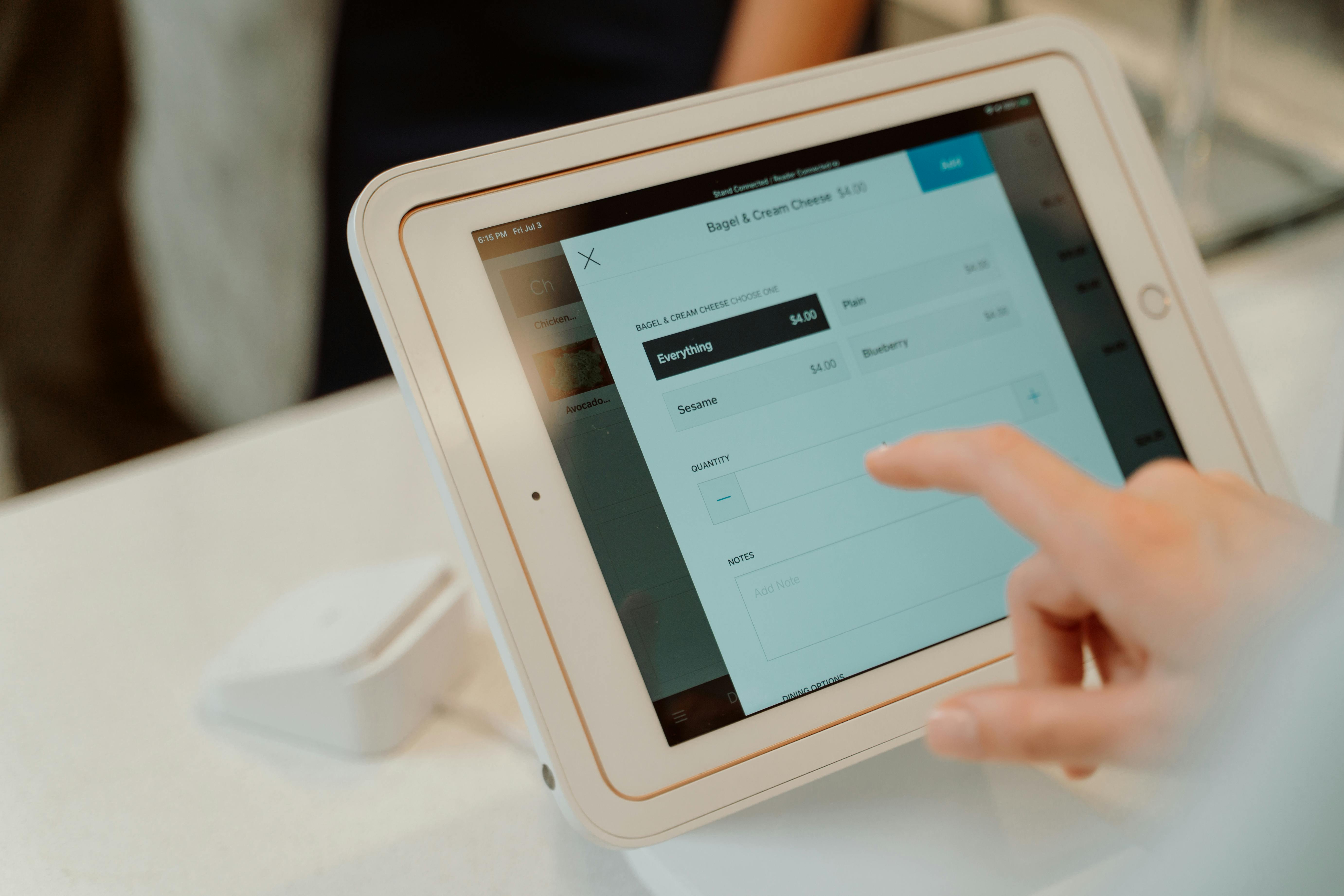
No. One of the great advantages of today's restaurant software is that it requires no hardware. Forget buying terminals or installing equipment: everything runs from the phone, tablet or computer you already have. Your guest uses their own phone to scan the QR and see your menu in the browser.
It also means you can start today. Instead of waiting for equipment to be delivered and installed, you build your menu in minutes. And if you upload your current menu, some platforms use artificial intelligence to read it from a PDF or a photo and assemble the digital version for you.
When does a flat fee make sense?
A flat fee wins the moment your operation stops being occasional: when orders come in every day, when the kitchen needs tickets organized, when reservations no longer fit in a notebook, or when you open a second location. From that point on, paying a percentage of every sale means paying most precisely when you sell most.
At Rankea the model fits in one line: $699 MXN a month, no contract, everything unlimited — QR menu, templates, direct orders with 0% commission, kitchen panel, reservations and analytics — with a 14-day trial of the complete system, no card needed: if it works for you, you turn on the plan from your dashboard; if not, you pay nothing. Each additional location adds $699 a month.
Put plainly: Rankea isn't software with no monthly fee. It's a flat fee that replaces the commission, and it pays for itself with the first three or four orders that used to go to a delivery app.
In summary
Restaurant software with no monthly fee does exist, but it's worth asking where the money comes from: almost always a per-order commission, an equipment purchase, or a stripped-down version that only displays your menu. The honest comparison isn't free versus paid, it's how much each peso you sell costs you under each model. Read the fine print — commissions, update charges, QR fees, the real date of the first charge — before signing anything.
If you'd rather have a flat fee with no commissions, you can try Rankea's QR menu for 14 days and have it on your tables today. And to see everything it includes, Rankea's restaurant system brings menu, orders, kitchen, reservations and reports together in one place, with a clear plan and no contract.
Keep reading
Frequently asked questions about restaurant software with no monthly fee
Does restaurant software with no monthly fee really exist?
Yes, but it's worth seeing where the charge sits. Typically, whoever doesn't charge monthly keeps a commission on each order, sells you the equipment, or gives you a version limited to displaying your menu. Rankea took the opposite route: a flat $699 MXN a month, no contract and 0% commission per order, with a 14-day trial so you can measure it with real customers before the first charge.
Which costs more: a per-order commission or a flat fee?
It depends on your volume. With few orders a month, the commission is cheaper. As soon as the operation becomes daily, the flat fee wins clearly: 300 orders of $250 MXN at a 25% commission is $18,750 MXN a month, against $699 for a flat fee. Run the numbers with your own figures before deciding.
Does free restaurant software have hidden costs?
Some does, which is why it pays to check. The most common hidden costs are: a commission on every order, a charge to update the menu, a fee to print or generate the QR, and plans that don't say clearly when billing starts. At Rankea direct orders carry 0% commission and the first billing date is visible from sign-up.
Do I need to buy hardware or a cash register?
No. Modern restaurant software runs from the phone, tablet or computer you already have. You don't need to buy a terminal, a special scanner or install equipment. Your guest scans the QR with their own phone and sees your menu in the browser, with no app to download.
What happens when the 14-day trial ends?
If you continue, the first monthly charge of $699 MXN is made and everything carries on as it was. If you cancel before day 15, nothing is charged. And if you stop paying later on, your QR menu stays online for your guests — the codes are already on the tables; what stops is the operation: orders, kitchen panel and reservations, which come back as soon as you reactivate.


