
How to Take Orders at Your Restaurant Without Paying Commissions to the Apps (2026)
If your restaurant is on DoorDash, Uber Eats or Grubhub, you already know the price: somewhere between 15% and 30% of every order disappears into commissions. In a business where the margin is already thin, that isn't just an annoyance, it's the difference between making or losing money on each ticket.
The good news is that there's a real alternative: direct orders straight from your own menu, with no third-party app, no middleman, and 100% of the sale in your pocket. In this guide we'll walk you through how it works, what it costs, and which kind of business it's the best fit for.
How much are you overpaying the delivery apps?
The commissions charged by the most popular delivery apps run from roughly 15% to 30% per order, plus monthly subscription fees on some plans. If your average ticket is $25 and you sell 50 orders a day through one of these platforms, you're handing over between $190 and $375 every single day in commissions alone.
Over a month, that adds up to somewhere between $5,700 and $11,000 that never comes back to your business.
Plenty of restaurant owners assume this is simply "the cost of doing business online." But that premise has changed: today you can take orders directly at the table or through a WhatsApp link, without paying a single cent of commission.
What direct orders are and how they work
A direct ordering system lets your customers place their order from your restaurant's own digital menu, with no middleman in between. The process is simple:
- The customer scans the QR code at their table (or opens your menu through a link).
- They browse the menu, pick their dishes and confirm the order.
- The order lands directly on the kitchen panel within seconds.
- Payment can be taken online or at the counter, whichever the restaurant prefers.
There's no app to download. There's no platform taking its cut. The money goes straight to you.
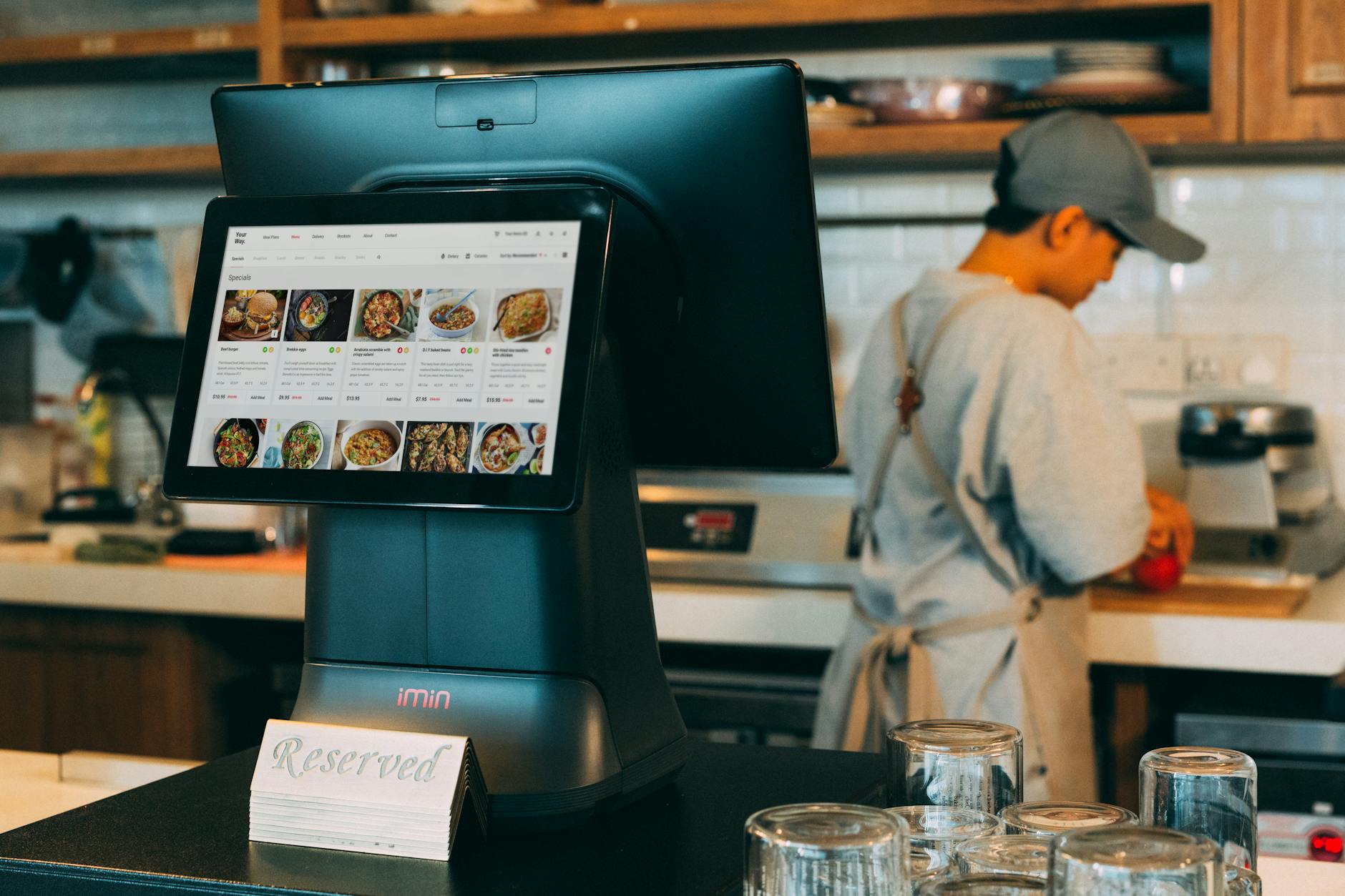
The full journey of a commission-free order
1. The customer scans the QR code at their table
Every table has its own QR code. When customers scan it, they see the menu updated instantly, with photos, real prices and what's available that day. They don't need to download any app: it all happens right in their phone's browser.
If you'd like to understand exactly how this feels from the diner's side, take a look at our guide How to order at the table with a QR code.
2. The order reaches the kitchen in seconds
Once the customer confirms, the order appears immediately on the kitchen panel. The chef or manager sees it on screen, marks it as "in progress" and then as "ready." No shouting, no scraps of paper, no transcription errors.

3. You keep 100%, with no middleman
There's no platform in between. The commission you used to pay a delivery app stays in your register. The restaurant takes back control of its sales, its data and the relationship with its customers.
Key facts: direct orders vs delivery apps
- Delivery app commission in the U.S.: roughly 15%–30% per order
- Commission with direct orders: 0%
- What the customer needs: just a phone with a camera (no app to download)
- Time for the order to reach the kitchen: seconds
- Works for: dine-in orders, takeout orders, orders through a WhatsApp link
- Hardware required: none, a tablet or screen with internet is enough
How much does it cost to set this up?
This is where the math tilts even further in your favor. The digital menu with a QR code has no cap on dishes and is part of the plan. You can upload your menu, customize it with one of the 18 available templates and turn on the link to share over WhatsApp, all without paying anything.
Direct orders and the kitchen panel have no usage cap, and the 14-day trial is more than enough to confirm the system works in your operation. The plan costs $699 MXN per month, no contract, no lock-in, cancel whenever you want.
Compared with what you hand over in commissions in a single day of delivery orders, the plan pays for itself.
You can find out more on the Rankea for restaurants page or start right away with your QR menu: the first 14 days are free.
Which kind of restaurant does it work best for?
Commission-free direct orders work in just about any format, but they're especially powerful in these cases:
- Restaurants with table service: the customer orders from their seat and the kitchen receives it without confusion.
- Diners and family-run kitchens: the daily menu gets updated every morning from your phone in minutes.
- Taco spots and fast-food counters: quick orders with no lines and no order-entry mistakes.
- Restaurants already on delivery that want to reduce their dependence: the menu link is shared over WhatsApp for direct takeout orders, commission-free.
If you're still not sure which digital tool your business needs, the guide What is a digital menu and how it works gives you the full picture.
Checklist: you're ready for direct orders if…
- You have a tablet, screen or laptop in the kitchen (or someone who can watch the panel).
- Your tables have room for a printed QR code or a small display stand.
- You want customers to order without flagging down a server for every little thing.
- You're paying app commissions and want to win that margin back.
- You're after real data on which dishes sell most and at what times.
If you checked three or more, a direct ordering system makes sense for your business. You can create your QR menu today and switch on ordering in under an hour, with no technician and no extra hardware.
Frequently asked questions
Do direct orders completely replace delivery apps?
Not necessarily. Delivery apps have their place if you're after visibility with new customers who don't know you yet. Direct orders are complementary: they let your regulars and your dine-in guests order with no commission. Plenty of restaurants run both in parallel and gradually reduce their reliance on the apps as their own channels grow.
Does the customer have to download an app to place an order?
No. The menu and the ordering system run right in the phone's browser. The customer scans the QR code, sees the menu and orders, with nothing to install. That cuts friction and means more people actually finish placing the order.
Can I use direct orders only for tables, or for takeout too?
Both. You can share your menu link over WhatsApp or social media and customers order from wherever they are. The restaurant decides how it wants to run it: dine-in, takeout, or both.
Do I need to install special hardware in the kitchen?
No. All you need is a tablet, a laptop or any screen connected to the internet to see the kitchen panel. There are no special printers or cash registers to hook up. The system runs 100% in the browser.
What happens when the 14-day trial ends?
The 14 days let you test the whole flow with nothing capped. If you decide not to continue, your QR menu stays online for your diners; what stops is the operation — direct orders, table orders, kitchen panel and reservations — and it comes back the moment the subscription is active ($699 MXN/month, no contract).


